Google Search Data AI Training: How to Protect Your Privacy
Published by VerseZip Tech Desk
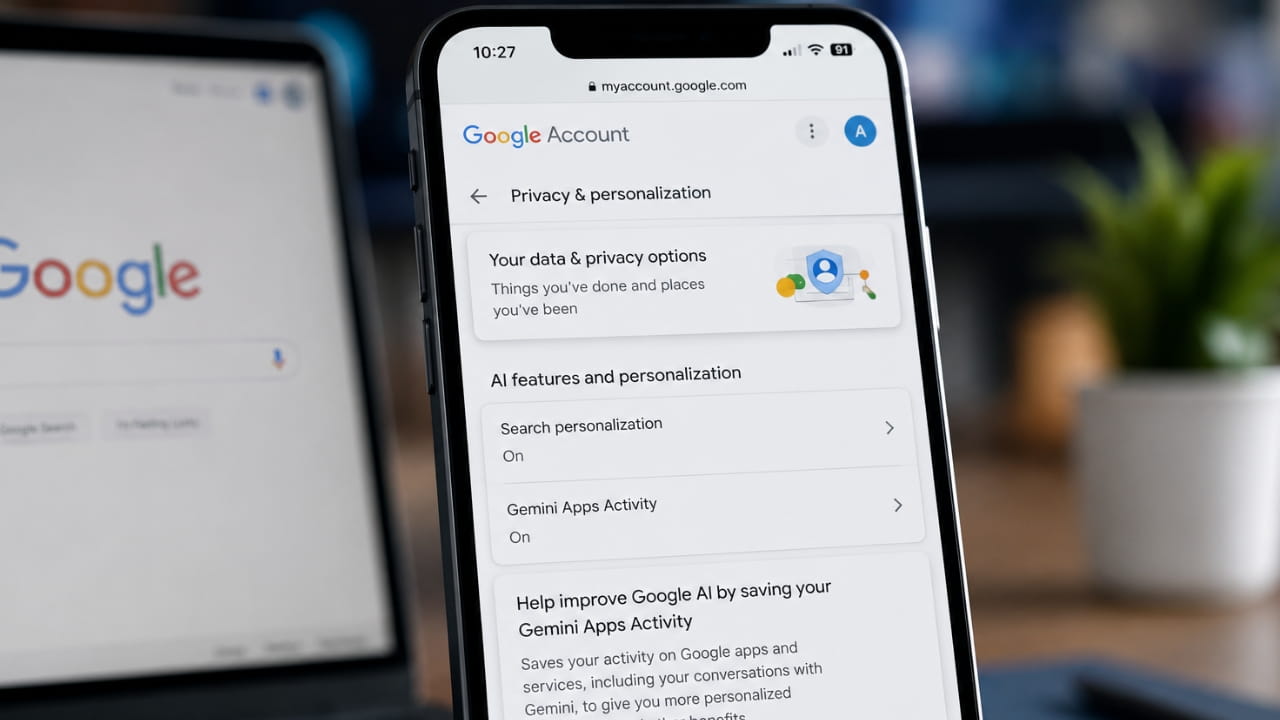
Google just changed how it handles your uploaded files, voice recordings, and images. The tech giant recently rolled out a new privacy setting that allows the company to use your personal uploads for Google search data AI training. If you upload a photo to Google Lens or use voice translation, the company can now store that media to build its next generation of artificial intelligence. You must manually change your account settings to stop this automated data collection.
What the Search Services History Update Changes
The new Search Services History framework captures media you submit across multiple platforms. This policy covers Google Search, Maps, Lens, Translate, Flights, Hotels, Shopping, and News. Whenever you use your camera for a visual search or speak into your phone for a live translation, Google logs that media. The company then feeds these specific interactions directly into its machine learning pipelines to refine its generative AI systems.
What the Policy Covers
How Google Uses Your Media for AI Development
Google retains media it selects for model training for up to four years. Before processing your files, the company removes sensitive personal details to disconnect the media from your specific account. Trained human reviewers might still examine your Search Services History to assess system accuracy. Even if you delete your original activity later, Google keeps any isolated copies it already chose for artificial intelligence development.
| Aspect | Details |
|---|---|
| Data Retention | Up to 4 years for selected media |
| Privacy Protection | Sensitive details removed before processing |
| Human Reviewers | May examine history for accuracy |
| Data Deletion | Deleting activity does not remove AI copies |
| Training Purpose | Refining generative AI systems |
How to Stop Google Search Data AI Training
You have the power to opt out of this data harvesting program immediately. Navigate to the My Google Activity dashboard and select the Search Services History menu. Find the Save Media box and uncheck it to stop future data collection. Disabling this option prevents Google from feeding your future uploads into its training models, though you must manually delete any files you previously stored.
Step-by-Step Opt-Out Guide
- Step 1: Go to My Google Activity
- Step 2: Select "Search Services History" from the menu
- Step 3: Find the "Save Media" box
- Step 4: Uncheck the box to disable data collection
- Step 5: Manually delete any previously stored files
- Step 6: Review your privacy settings regularly
Important Privacy Considerations
Google's new policy represents a significant expansion of its data collection practices. While the company claims to remove sensitive personal details before processing, the sheer volume of data being collected raises privacy concerns for many users.
The opt-out process is straightforward but requires manual action. Users who do not disable the Save Media setting will have their data automatically included in Google's AI training pipelines. The fact that deleting your activity does not remove copies already selected for training underscores the importance of making this change proactively.
Frequently Asked Questions
What does Google save under the new policy?
Google saves images, files, video, and audio recordings you submit through its search-related tools. This includes photos you upload to Google Lens and voice clips you record for Google Translate. The policy explicitly excludes personal media you store inside Google Photos.
Can I stop Google from using my data for AI?
Yes, you can easily stop this automated data collection. Open your My Google Activity page, click on Search Services History, and uncheck the Save Media box. This action immediately stops the company from using your future uploads for model training.
How long does Google keep my training data?
Google retains media it selects for artificial intelligence training for up to four years. The company disconnects this information from your personal account before feeding it to the models. Deleting your search history later will not remove copies the system already pulled for training.
Does this disable AI Overviews in search results?
No, updating your Search Services History does not turn off AI Overviews. You must use the "Web" filter tab in your search results to see standard text links. Changing your media saving preferences only controls how Google collects your data.
Which Google services are covered by this policy?
The policy covers Google Search, Maps, Lens, Translate, Flights, Hotels, Shopping, and News. Any media you submit through these services may be used for AI training unless you opt out.
Final Thoughts
Taking control of your digital footprint requires constant vigilance as tech companies expand their data collection methods. Review your My Activity dashboard today to ensure your privacy settings match your personal boundaries. Share this guide with friends and family so they can secure their own accounts against unwanted data harvesting.
Google's new Search Services History policy represents a significant shift in how user data is utilized for AI development. By opting out, you can maintain greater control over your personal information while still using Google's services. The process takes only a few minutes but provides long-term protection for your digital privacy.
Share this Technology Update:
Leave a Comment
Your feedback is important to us. Submitted comments are kept private and are for internal review only.